
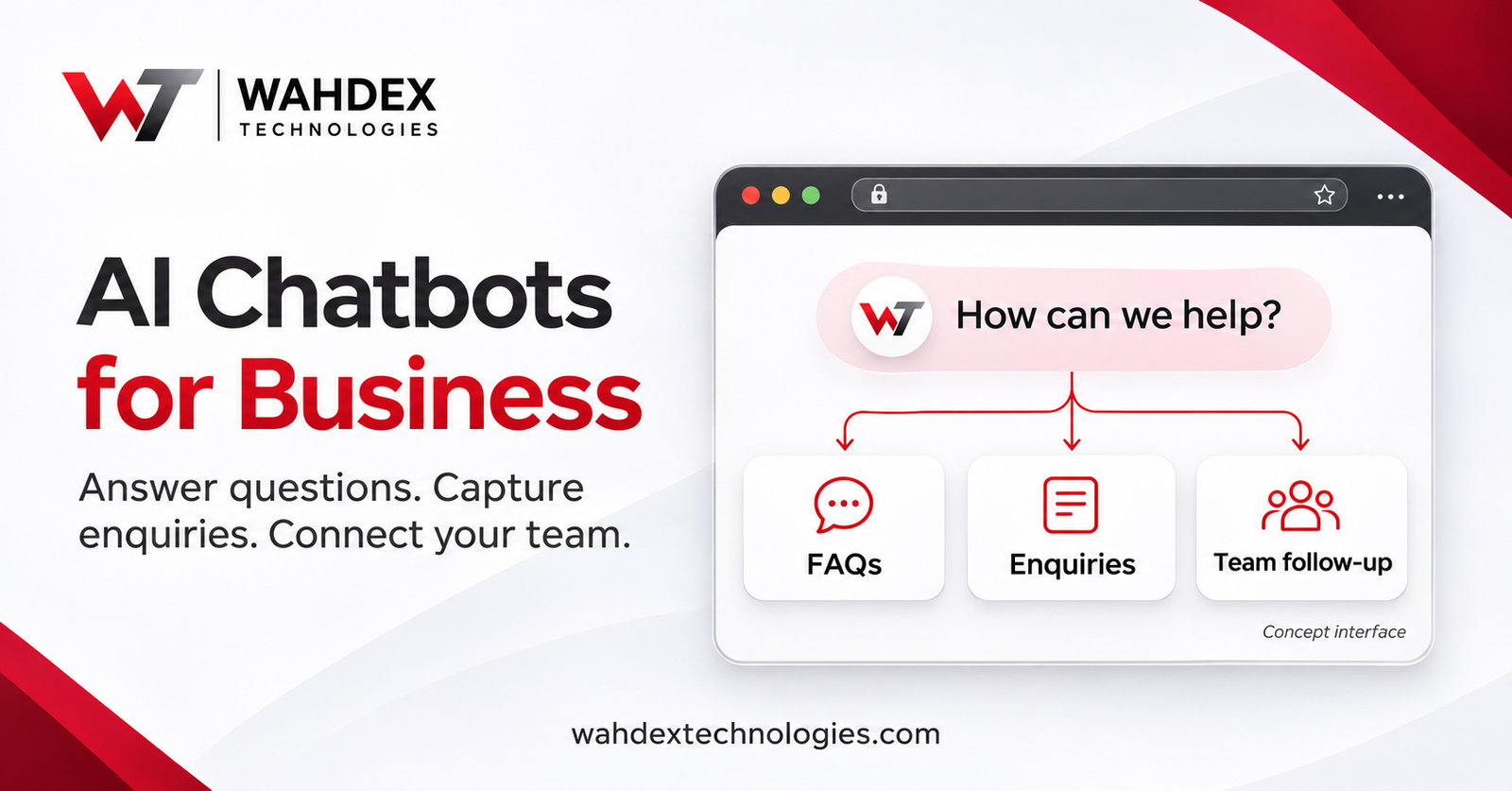
Your website may be available at any hour, but your team probably is not.A visitor might arrive in the evening, during a weekend or from another time zone. They want to understand your services, check whether you can help or leave the details of a project.
An AI chatbot can provide a conversational starting point. It can help visitors find approved information and submit an enquiry while making the next steps clear.
For a business, the real value depends on how well that conversation connects to its information, people and processes.
This guide explains what a business chatbot can do, what to prepare and how to evaluate a first implementation.
What is an AI chatbot for business?
An AI chatbot is a conversational interface that uses AI to interpret questions and generate responses.
A business implementation can be configured to use selected information sources, guide visitors through defined questions and connect to approved systems.
For example, a website chatbot might explain a service, ask what the visitor needs and create an enquiry for the sales team.
Answering a question, collecting details and taking an action are separate capabilities. Each should be included deliberately in the project scope.
Where can a website chatbot help?
Answering frequently asked questions
Start with questions that have clear, approved answers:
Which services do you offer?
What information is needed for a quotation?
How can a customer contact the team?
What are your published support hours?
Where can visitors find relevant service details?
The chatbot should use current business information. If an answer is unavailable, it should offer a useful fallback.
Helping visitors find the right service
A visitor may know their problem without knowing the name of the service they need.
For example, someone who says, “We keep copying enquiries into a spreadsheet,” may need information about CRM integration or workflow automation.
A chatbot can ask a short clarifying question and direct the visitor to relevant content. It should avoid recommending services based on assumptions it has not checked.
Capturing enquiries
A chatbot can collect the details needed for follow-up, such as the requested service, a brief description and a preferred contact method.
Ask only for information that serves the enquiry. Explain why contact details are needed and provide an alternative contact route for visitors who do not want to continue in chat.
A short, relevant conversation is often more practical than asking every possible qualification question at once.
Connecting to a follow-up process
Depending on the chosen tools and integration access, an enquiry can be sent to an inbox, CRM or task queue.
Define who receives it, which information accompanies it and how the team knows it needs attention.
The system should distinguish a successful submission from a failed attempt. A customer should not receive a confirmation when their request has not reached its destination.
Offering human assistance
Some requests require judgement, discussion or access to information the chatbot should not use.
Provide a clear path to a person. That might be a live transfer during staffed hours or a callback request when the team is unavailable.
Do not imply that a human is online simply because the chatbot is responding.
What information should the chatbot use?
Prepare a small, well-maintained knowledge base before expanding the scope.
Useful material may include service descriptions, FAQs, published policies, contact routes and approved explanations of your process.
Microsoft’s documentation explains that chatbot builders can limit the knowledge sources used for generative answers. It also recommends telling users when AI is involved. Source: Microsoft’s generative answers FAQ
Using approved sources does not guarantee that every answer will be correct. Test responses and review the source material regularly.
Assign someone to maintain that information when services, processes or policies change.
An example: handling a quotation request
Imagine a visitor asks:
“Can I get a quote for a business website?”
A practical conversation could follow these steps:
Ask what the business does.
Clarify the main website requirements.
Ask for a preferred contact method.
Show a short summary for confirmation.
Submit the enquiry to the agreed destination.
Explain what happens next.
The chatbot should not invent a project price or delivery commitment.
If you have an approved pricing calculator, that can be assessed as a separate feature with clearly defined inputs and assumptions. Otherwise, the team should review the request before quoting.
Supporting customers across countries
For businesses targeting Saudi Arabia, the UAE, Oman, Bahrain, the UK, the USA, Ireland and Pakistan, consider the customer experience beyond a single office’s working hours.
Languages
Choose languages based on the customers you serve. English, Arabic or Urdu support should be tested with representative questions and reviewed for meaning and tone.
Arabic support also requires checking right-to-left layouts in the chat interface.
Time zones and response expectations
A statement such as “We will reply tomorrow morning” can be ambiguous for an international visitor.
Use clear business hours and identify the relevant time zone where necessary. Only promise a response window your team can support.
Pricing and service coverage
If the chatbot discusses approved pricing, identify the currency and relevant assumptions.
Keep service availability explicit. An international website should not lead the chatbot to assume that every service is available in every location.
Local terminology
Customers may describe the same requirement differently. Test the phrases your audience actually uses rather than relying only on internal service names.
Plan reliability and access from the start
Keep the chatbot’s access limited to the information and actions it needs.
An assistant answering public service questions should not need access to private customer records. Account-specific information requires a separate authentication and permissions design.
Test whether users can push the chatbot into disclosing restricted information or making unsupported claims.
If connected systems are unavailable, provide a fallback contact method and a clear explanation. The experience should still help the customer move forward.
How to launch a useful first version
Step 1: Choose one clear objective
For example: answer approved service FAQs and capture quotation requests.
A focused first release is easier to evaluate than a chatbot expected to manage every customer interaction.
Step 2: Prepare the information
Review service pages and FAQs. Resolve conflicting answers and remove outdated details.
Step 3: Define the enquiry workflow
Choose the fields to collect, the destination and the person responsible for follow-up.
Step 4: Test realistic conversations
Include ordinary questions, unclear requests, spelling mistakes, unsupported languages and requests to speak to a person.
Also test submission failures and repeated enquiries.
Step 5: Launch a pilot and review
Start with a limited scope. Review incorrect answers, missed questions and failed handoffs before adding more capabilities.
What should you measure?
Useful measures include:
Accuracy on a reviewed set of common questions.
Questions the chatbot could not answer.
Successfully delivered enquiries.
Failed submissions or integrations.
The completeness of information passed to the team.
Customer feedback on the experience.
Review chatbot activity alongside the wider website journey. If visitors repeatedly ask where a service page is, improving navigation may be part of the solution.
Frequently asked questions
Can an AI chatbot work after business hours?
It can be available outside staffed hours, subject to its hosting and connected services. Human follow-up still depends on your team’s availability.
Can it connect to our CRM?
Potentially. Confirm your CRM’s integration options, permissions and supported actions before committing to the scope.
Can it answer every customer question?
No. Define the topics it should handle and what it should do when it cannot provide a reliable answer.
Do we need AI for every conversation?
No. Fixed questions, contact forms and simple routing may be better handled through defined flows. AI can be used where interpreting varied questions adds value.
Does a chatbot guarantee more leads or sales?
No. Results depend on website traffic, your offer, the quality of the experience and the follow-up process. Evaluate actual outcomes through a pilot.
What affects the development cost?
Knowledge preparation, languages, integrations, user authentication, custom actions, testing and ongoing support all affect the scope.
Plan your business chatbot with Wahdex Technologies
Wahdex Technologies offers custom AI chatbot development and workflow integration for businesses looking to improve how they handle website questions and enquiries.
Share your website, common customer questions and current follow-up process. These details help define what the chatbot should answer, collect and pass to your team.
Visit Wahdex Technologies to discuss an AI chatbot for your business.